ChipBlock
A downloadable game
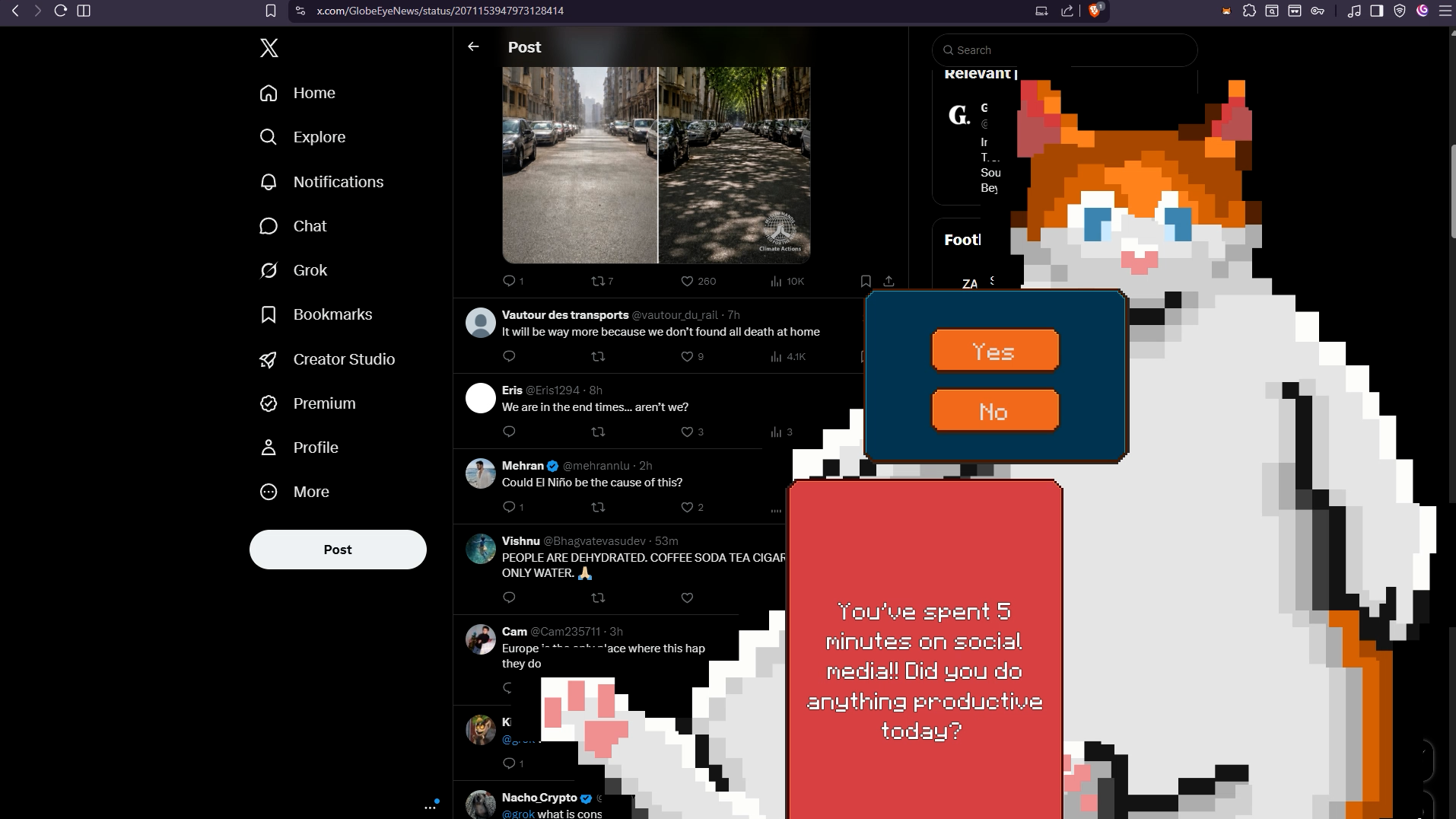
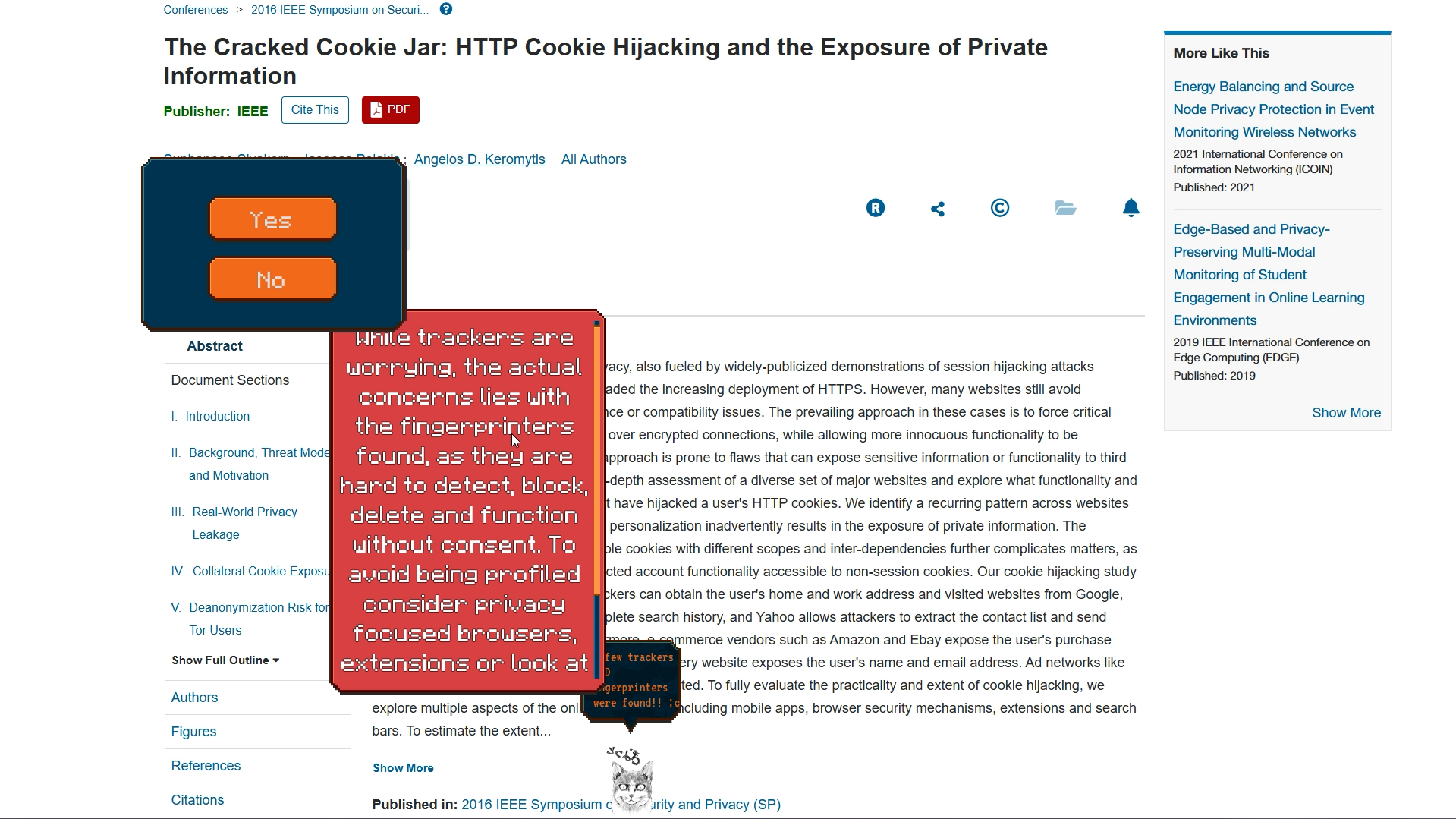
ChipBlock is a desktop pet featuring chip, the lazy but dutiful Chip. While he may for the most part sleep on your taskbar, as soon as he notices an issue he jumps into action. Whether it’s giving advice on certain websites you're visiting, privacy recommendations or simply noting your screentime, Chip will make sure help.
ChipBlock is, as of now, a mix of an app and a browser extension. The browser-extension functions to send browser data such as cookies and URLs to the app for Chip to be able to react. None of the data is stored outside of your own device. Further information can be found on github.
Download
Install instructions

ChipBlock
ChipBlock is a desktop pet featuring chip, the lazy but dutiful Chip. While he may for the most part sleep on your taskbar, as soon as he notices an issue he jumps into action. Whether it’s giving advice on certain websites you're visiting, privacy recommendations or simply noting your screentime, Chip will make sure help.
ChipBlock is, as of now, a mix of an app and a browser extension. The browser-extension functions to send browser data such as cookies and URLs to the app for Chip to be able to react. None of the data is stored outside of your own device. Further information can be found on github.
How to install
Due to issues regarding manifest versions, some browsers may not be able to run ChipBlock Bridge. The issue currently persists.
Within your browser's top bar find the extension icon, click it and navigate to manage extensions.
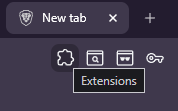
Once inside the extension manager, find your browser's developer mode toggle, and turn it on.
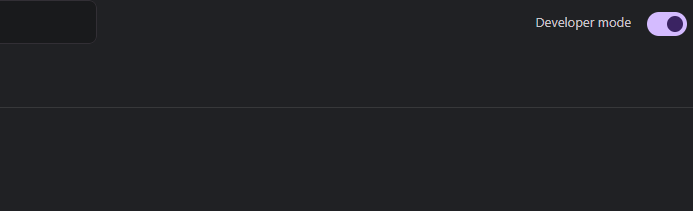
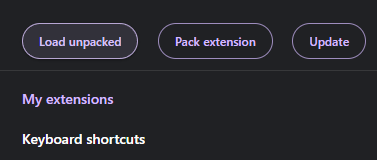
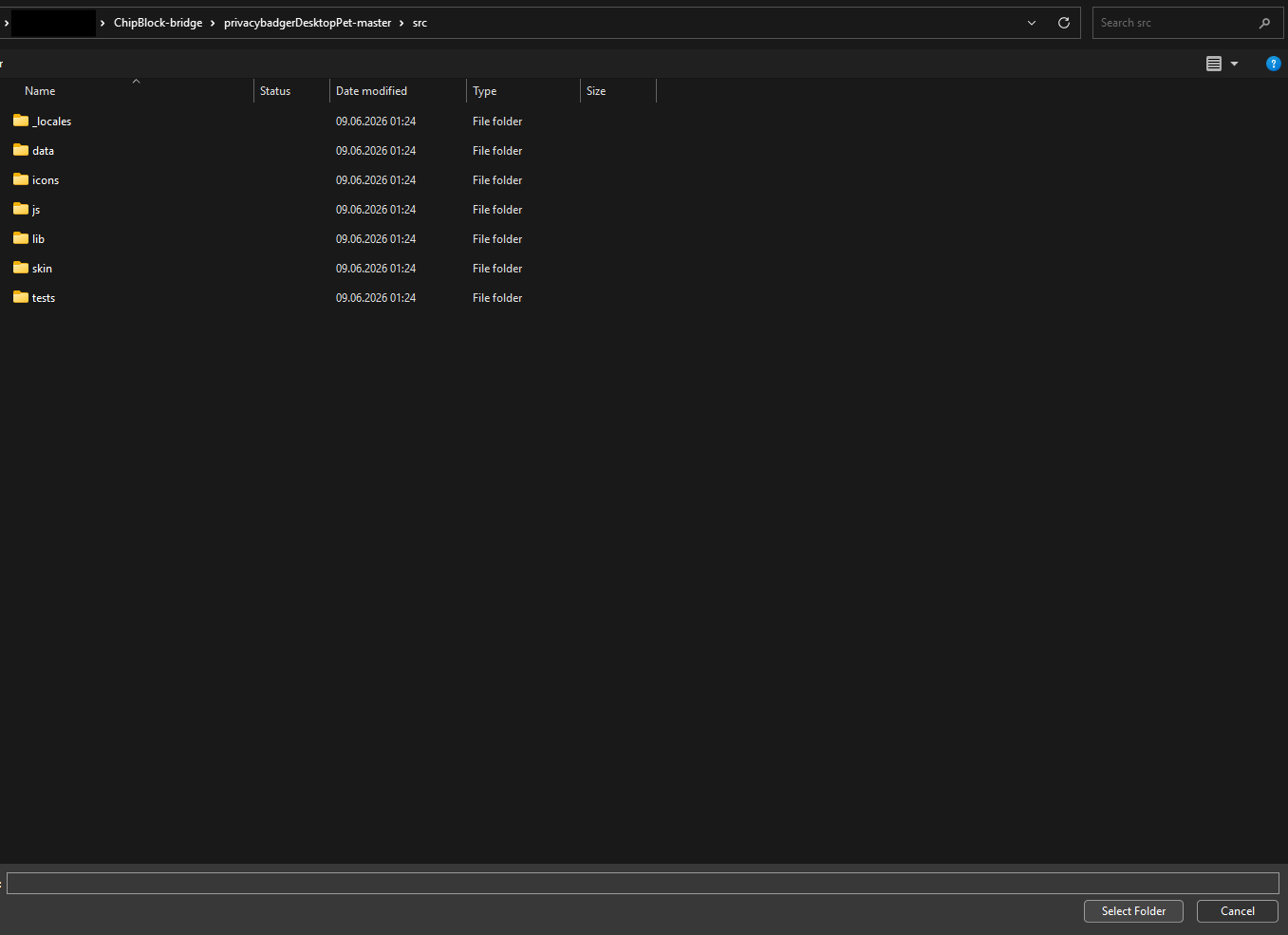
Now you should see an additional bar giving you the option to load an unpacked extention. Click load unpacked, navigate towards the Chipblock bridge folder. Now within the folder, click Privacy Badger master, then src.
within the src folder click the select folder option.
ChipBlock Bridge is now installed! The last step is to download the app and run it!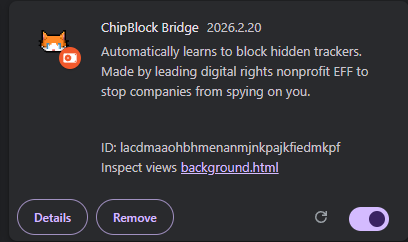
Links
[Itch.io download](https://toasht.itch.io/chipblock)
[EFF](https://www.eff.org/)



Leave a comment
Log in with itch.io to leave a comment.